
Vuze Port Forwarding: Fix NAT and Firewall Connection Problems
Vuze port forwarding is a path diagnosis, not a magic speed switch. You need one stable listening port, matching Vuze and router settings, and a firewall rule for the intended traffic. This guide checks those layers and explains VPN and CGNAT limits before a risky workaround becomes permanent.
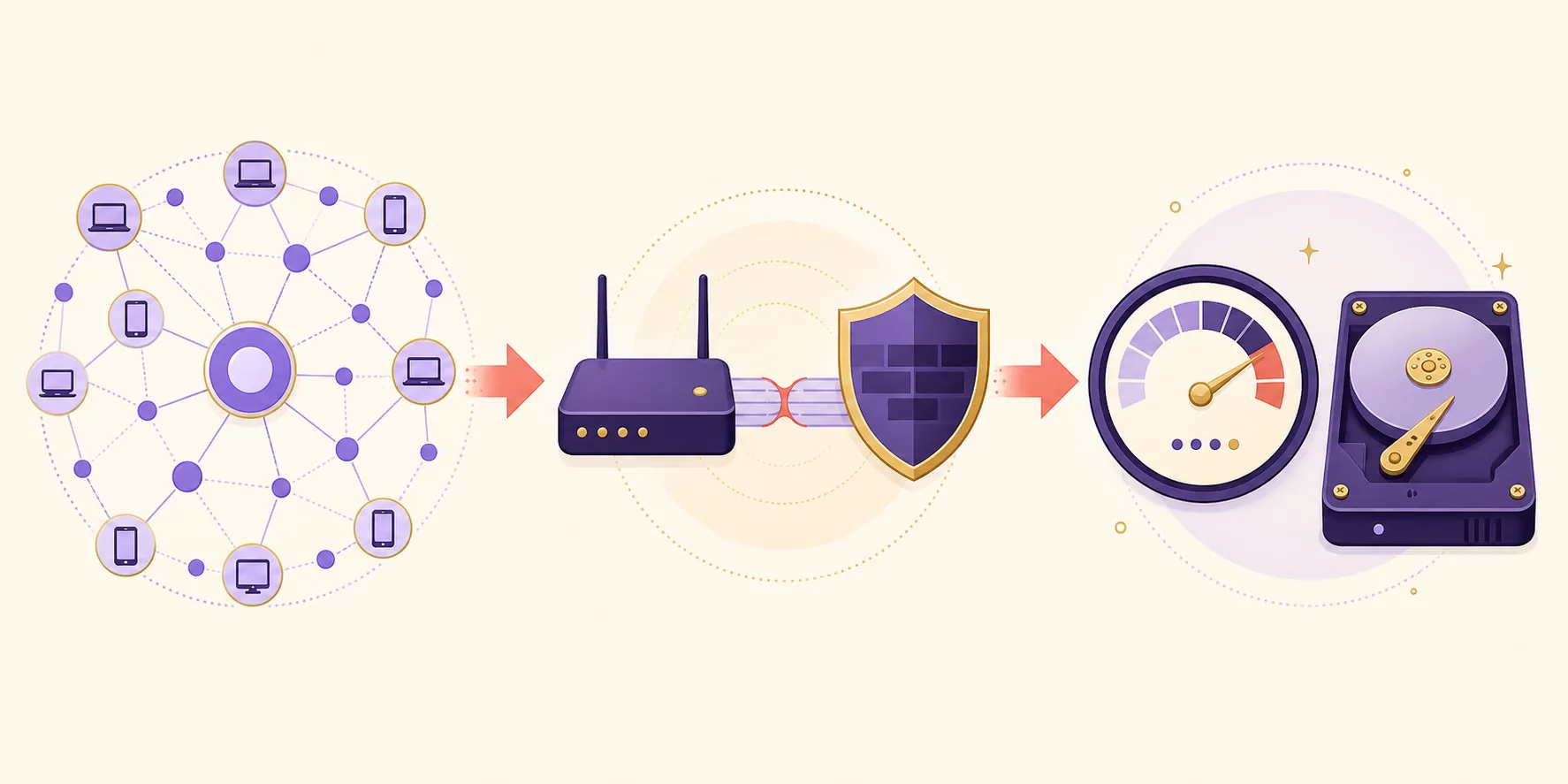
Use Vuze only with content you are authorized to download and share. The diagrams are independent editorial illustrations, not official Vuze screenshots or a guarantee of open ports.

How Vuze port forwarding should work
The short version is choose, match, forward, allow and test. Change one layer at a time so a failed NAT check tells you something useful.
Vuze needs a listening port for incoming peer connections. The number itself is not a performance guarantee and a familiar old port is not automatically the right choice. Pick one high, unused port, write it down and use that same value wherever the path asks for a port. If the router forwards one number while Vuze listens on another, the test will fail even when every screen looks saved.
The path normally has four local points: Vuze's connection preference, the computer's firewall, the router's port-forwarding rule and the private address assigned to the computer. A VPN adds a fifth point because the provider may supply a different forwarding mechanism or block inbound traffic. Start with a legal, known-active transfer and keep a record of each value before you edit anything.
- Choose one stable TCP and UDP port and record the previous value for recovery.
- Give the computer a predictable local address before creating a router rule.
- Match the Vuze port, router rule and firewall allowance, then run the built-in NAT/Firewall test.
- Treat a VPN port and a home-router port as separate paths.
Choose a port and set it in Vuze
This Vuze port forwarding check starts in the connection menu exposed by your build; do not assume an old screenshot or default number still matches your network.
Open Vuze's network or connection preferences and find the incoming TCP/UDP listening port. The exact labels can differ between Vuze Classic builds and operating systems. A single port is easier to audit than a wide range. Avoid ports already used by another application, avoid changing the number repeatedly and do not publish the value with your public address in a forum post. A port number is only one part of the route, but it is the value every later layer must copy.
If your router supports DHCP reservations, reserve the computer's private address before forwarding the port. Otherwise a reboot can move the rule to another device. The reservation only stabilizes the local destination; it does not make the computer reachable by itself.
- Listening port: match the number in Vuze and every downstream rule.
- Private IP: reserve it so the router does not point at another device.
- Protocol: keep TCP/UDP treatment consistent with the router, firewall and provider.
- RecordWrite down the current Vuze port, the computer's private IP address and the router model before changing anything.
- SelectChoose one unused high port that your router and VPN provider allow; keep TCP and UDP treatment consistent with the provider's instructions.
- ApplySave the port in Vuze, restart only the affected connection if the build requires it and confirm the value remains after reopening the preferences.
- ReserveCreate a DHCP reservation for the computer so a reboot does not move the forwarding rule to another local address.
Forward the port through the router and firewall
For Vuze port forwarding, a router rule and an operating-system firewall rule solve different parts of the path. Keep both narrow and tied to the saved private address.
Open the router's administration page through its local gateway address, then find a section named Port Forwarding, Virtual Server or a similar term. Create a rule for the chosen port and point it to the reserved private IP of the computer running Vuze. Some interfaces ask for an external and internal port; use the same value unless the router documentation gives a reason to translate it. Save the rule and note whether it is enabled, but do not open a broad range just because the menu makes that easy.
On the computer, allow Vuze through the active firewall profile for the protocols you actually use. A private-network rule may not apply when the connection is marked public. Do not add a blanket inbound rule or disable the firewall. After saving a narrow rule, restart the Vuze connection and test while a legal transfer is active.
- OpenUse the router's local gateway address and sign in through the documented administration page.
- PointForward the selected port to the reserved private IP of the Vuze computer; keep the rule enabled and specific.
- AllowPermit the matching Vuze traffic in the active firewall profile without disabling every inbound protection.
- RetestRun Vuze's NAT/Firewall test while the client is listening and a controlled transfer has active peers.
Understand VPN, UPnP and CGNAT limits
A failed port test does not always mean the router rule is wrong. The upstream network may be the layer that cannot accept inbound connections.
When a VPN is connected, the peer path may terminate at the provider rather than at your home router. Some VPNs offer a provider-assigned port that changes when you reconnect; others do not support incoming connections at all. If the provider documents a forwarded port, copy the active value into Vuze and follow its rule about UPnP or NAT-PMP. Do not forward a random home-router port and assume it will reach a client hidden behind the tunnel.
UPnP can create a router mapping automatically, but it can also conflict with a manually chosen rule or a VPN application. For a controlled diagnosis, record whether UPnP and NAT-PMP are enabled, then use one method at a time. If your Internet service uses carrier-grade NAT, the router's public address is shared upstream and an inbound request may never reach your home network. In that case, changing the local rule cannot create a public mapping; ask the provider about a public address or use a documented provider feature instead.
A port checker can only see a listener that is active at the time of the check. A closed result while Vuze is paused or a VPN port has rotated does not prove the router rule is wrong. Keep the checker result with the Vuze log, router rule and VPN state.
- Home connection without a VPN: the router and local firewall are the main path.
- VPN with a documented port: use the active provider value and its UPnP guidance.
- VPN without port forwarding: inbound peers may be blocked by design; do not widen the router rule.
- CGNAT: ask the ISP about a public address instead of repeating local-only edits.
Test the result and isolate a NAT problem
When Vuze port forwarding remains closed, use a short decision loop instead of changing the port, VPN and firewall at the same time.
Start Vuze, let the client listen on the chosen port and run the NAT/Firewall test. Compare the result with the router's active rule and the computer's current private IP. If the test is open, keep the configuration stable for a while and watch whether the result survives a reboot and a VPN reconnect. If it closes after a reboot, the DHCP reservation or firewall profile is a likely first check. If it closes only when the VPN is connected, review the provider's port policy before touching the router.
If the test remains closed, remove only the newest change and retest. A TCP/UDP mismatch, stale private address, double NAT or upstream CGNAT can look identical. Check for a second gateway, an ISP modem in router mode or a mesh node that owns the public connection. Identify the first blocked layer instead of adding exceptions until the status turns green.
When the port is open but a transfer is still slow, use the Vuze download-speed guide to check peers, queue limits and storage. An open port does not create seeds or repair a paused job. For magnet metadata that never arrives, use the magnet-link troubleshooting guide because discovery and port reachability are related but separate questions.

- Retest after a reboot because the local IP and firewall profile can change.
- Check for double NAT before widening the rule or changing Vuze again.
- Test the same legal transfer with the VPN state recorded so the comparison is meaningful.
- If the provider or ISP owns the blocked layer, stop changing the home router.
Avoid unsafe port-forwarding workarounds
A green port test is not worth exposing every service on a computer or keeping an unknown installer around.
Do not use DMZ mode, forward an entire range or expose remote administration. Remove temporary rules after a controlled test. A reachable port cannot compensate for a legacy client without current security fixes.
The official SourceForge news entry records Vuze 5.7.6.0 on November 2, 2017. Menu wording varies across old packages. If a small authorized transfer cannot reproduce the path, restore the saved settings and compare a maintained alternative.
- Never use DMZ mode or a blanket inbound rule as a first-line fix.
- Keep the previous values and remove unused mappings after testing.
Stop when the blocked layer is upstream
If the ISP uses CGNAT or the VPN does not offer incoming ports, a broader router rule will not fix the path. Save the known values and choose a documented alternative.
Vuze port forwarding FAQ
Short answers for NAT, router, firewall, VPN and CGNAT questions that commonly appear together.
What port should I forward for Vuze?
Use one unused high port and set the same value in Vuze, the router and the matching firewall or VPN control.
Why does Vuze still show a NAT problem after port forwarding?
Check the private IP, TCP/UDP match, active firewall profile, double NAT and CGNAT. A connected VPN may override the home-router rule. A router rule cannot repair an upstream block.
Does port forwarding make Vuze faster?
It can improve reachability when incoming peers are the bottleneck, but it cannot create seeds or repair a slow queue or disk. Use the speed guide when the port is open but a healthy transfer remains slow.
Can I fix CGNAT by changing my Vuze port?
No. CGNAT adds an upstream translator, so an inbound request may never reach your rule. Ask the ISP about a public address or use a documented VPN feature instead of widening local rules.