
Does Vuze Download from a Magnet Link? Fix Stuck Metadata
If a Vuze magnet link opens but the download never begins, the missing step is usually metadata discovery rather than the file transfer itself. Confirm that Vuze receives the link, wait for reachable peers, then check the browser handler, firewall, VPN and network path in that order.
Use magnet links only for content you are authorized to download and share. This guide does not provide torrent or magnet indexes.

- Client line
- Vuze Classic 5.7.6.0 Legacy release dated November 2, 2017
- First stage
- Downloading metadata Requires reachable peers
- Common blocker
- Link handler or network path Not always a broken magnet URI
- Status checked
- July 30, 2026 SourceForge first-party project metadata
Does Vuze download from a magnet link?
Vuze can accept a magnet URI, but the link must reach the client and peers must supply metadata before the file list and normal download appear.
A healthy sequence is: the browser hands the magnet: URI to Vuze, Vuze adds a pending download, the status shows metadata activity, and the file list appears after a peer supplies the metadata. Only then can normal piece downloading begin.
If no Vuze window or prompt appears, start with the operating-system or browser protocol association. If the job appears but stays on metadata, the handler worked; move on to peer availability, DHT, firewall, VPN and proxy checks.
- Nothing opens: repair the browser or operating-system
magnet:handler. - A job appears but metadata never arrives: test the peer/network path.
- Metadata arrives but transfer speed is zero: check seed availability, queue limits and the selected files.
How to open a magnet link in Vuze
Use one controlled test and change one variable at a time. Randomly reinstalling the client or disabling security tools can hide the actual cause.

- Open Vuze firstLaunch Vuze and wait until its network status settles. This separates application startup problems from browser protocol handling.
- Use a legal, known-active magnetChoose a permitted test torrent with active peers. An abandoned torrent cannot prove that your setup is broken.
- Confirm the external-protocol promptWhen the browser asks which application should open the link, choose Vuze and allow the association only if the displayed URI begins with magnet:.
- Watch the first statusIf the download appears, allow several minutes for metadata. Do not judge the client by file speed until the file list has been discovered.
- Save only after metadata appearsReview the file list and target folder before starting the transfer. Use the download-folder guide if the destination is wrong.
Why Vuze stays on downloading metadata
The symptom narrows the problem: Vuze has the hash but has not obtained the torrent description from another participant.
A recent spike in searches for this symptom does not mean every magnet link is defective. Old torrents may have no discoverable peers, and privacy software can permit the browser while blocking Vuze's own UDP or TCP traffic.
Test a second known-active legal magnet before changing global settings. If one works and one does not, the weak torrent is the likely cause. If neither works, compare the checks below.
| Symptom | Likely cause | Best next check |
|---|---|---|
| No Vuze prompt or window | Broken magnet protocol association | Set Vuze as the magnet handler, then retry once |
| Job exists; metadata remains at 0% | No reachable metadata peer, DHT blocked, or proxy/VPN path issue | Try a known-active legal magnet and inspect network status |
| File list appears; speed remains zero | No seed, queue paused, files deselected, or limits too strict | Check seeds, queue state, selected files and speed limits |
| Only the browser fails | Browser external-protocol permission was denied | Reset the site's protocol permission or paste the URI into Vuze |
| Works without VPN only | VPN firewall, split tunnel or binding mismatch | Review VPN binding and kill-switch rules without disabling protection globally |
Network checks that matter
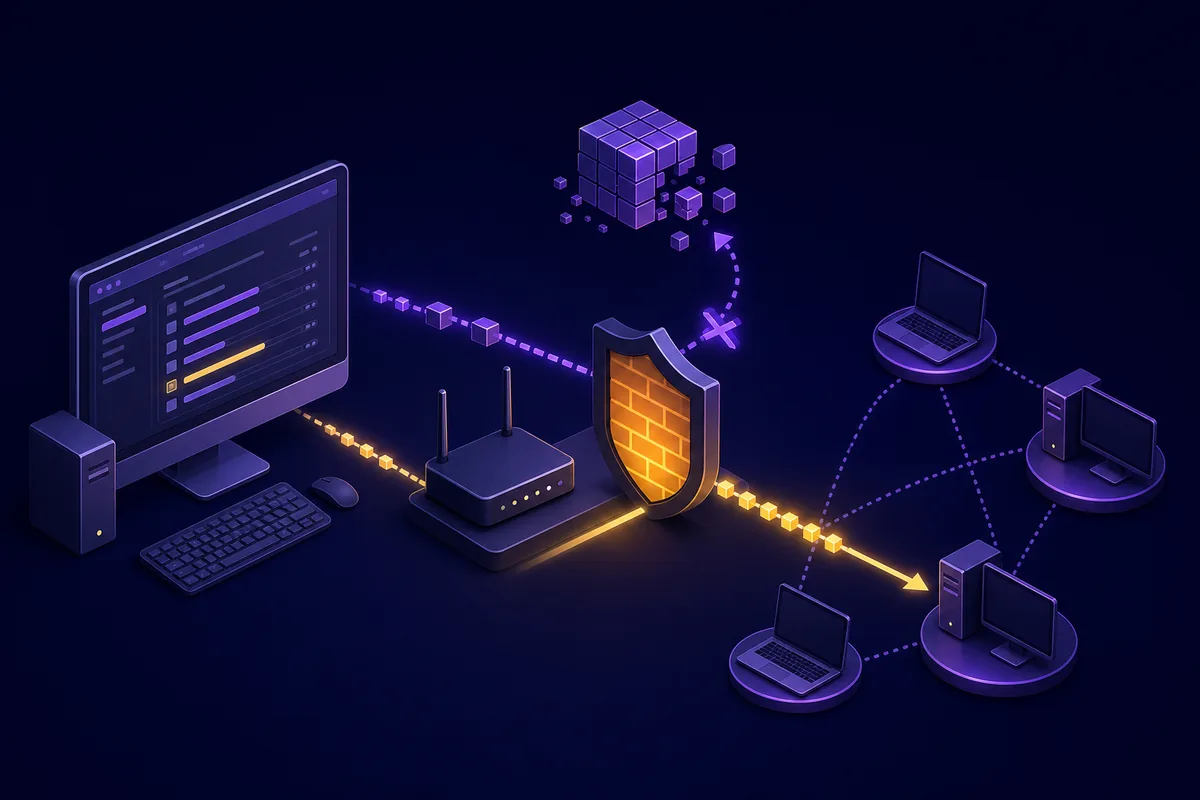
A magnet download can need DHT and peer discovery before it has enough information to show the files. Focus on whether Vuze can reach the network, not on chasing one magic port number.
Keep the operating-system firewall enabled. Instead of turning it off, verify that the Vuze executable you actually launched is allowed on the intended private or public network profile. Remove stale duplicate rules only when you can identify them.
If you use a VPN, test whether Vuze is bound to an interface that still exists. A changed adapter name, strict kill switch or unsupported port-forwarding expectation can leave the client running while all peer traffic is blocked.
- Confirm the computer clock and DNS work normally.
- Pause aggressive proxy, filtering or split-tunnel rules one at a time; do not disable every protection together.
- Avoid forwarding random ports unless the router and client settings clearly identify the same listening port.
- Restart Vuze after changing a protocol association, firewall rule or network adapter.
- If the torrent is private, follow its tracker's rules; DHT may intentionally be unavailable.
Legacy Vuze limits and safer decisions
Vuze Classic is legacy software. Troubleshooting should not require bypassing modern operating-system warnings or downloading modified installers from unrelated mirrors.
The SourceForge project metadata checked on July 30, 2026 still identifies version 5.7.6.0, dated November 2, 2017. The Windows best-release record is a very small web installer and is flagged by SourceForge as a potentially unwanted application variant, so this site keeps download calls pointed at the project file area rather than silently launching that file.
If magnet handling remains unreliable on a current system, a maintained client may be the better fix. BiglyBT is the closest maintained descendant of the Azureus/Vuze code family; qBittorrent, Transmission and Deluge offer different trade-offs.
- Choose a verified destination with the Vuze download folder guide.
- Review source and installer checks in Is Vuze safe?
- Confirm the maintenance context in the Vuze Classic status guide.
- Compare maintained clients on the Vuze alternatives page.
SourceForge Azureus/Vuze best-release metadata (checked July 30, 2026)
Do not weaken security for one legacy client
If Vuze needs disabled protections, unofficial packages or repeated network workarounds, preserve your data and move the task to a maintained BitTorrent client.
Vuze magnet link FAQ
These answers separate protocol handling, metadata discovery and the later file-transfer stage.
Does Vuze download from a magnet link?
Yes. Vuze can download from a magnet link after it receives the magnet URI and finds reachable peers that provide the torrent metadata. If it stays on metadata, troubleshoot the handler and network path before judging file-transfer speed.
Why does Vuze say downloading metadata?
The client has the info hash but not the full torrent description. Wait for reachable peers, test a known-active legal magnet, and then check DHT, firewall, VPN and proxy paths.
Can I paste a magnet link into Vuze manually?
If the browser handler fails, use Vuze's open/add torrent or URL command when available and paste the complete magnet URI. Never paste a link from an untrusted source without checking it.
Why does the file list appear but the download stay at zero?
Metadata discovery succeeded. Check whether the torrent has a seed, whether the job is paused or queued, whether files are selected, and whether speed or connection limits are too restrictive.
Should I disable the firewall to test Vuze?
No. Keep the firewall enabled and verify the rule for the actual Vuze executable and network profile. A brief uncontrolled disable can expose other services and does not identify the real rule problem.
Is reinstalling Vuze the best fix?
Usually not the first step. A reinstall does not create peers or repair VPN routing. Confirm the failed stage first and reinstall only when application files or protocol registration are clearly damaged.