
What Is a Magnet Link? How Vuze Uses It
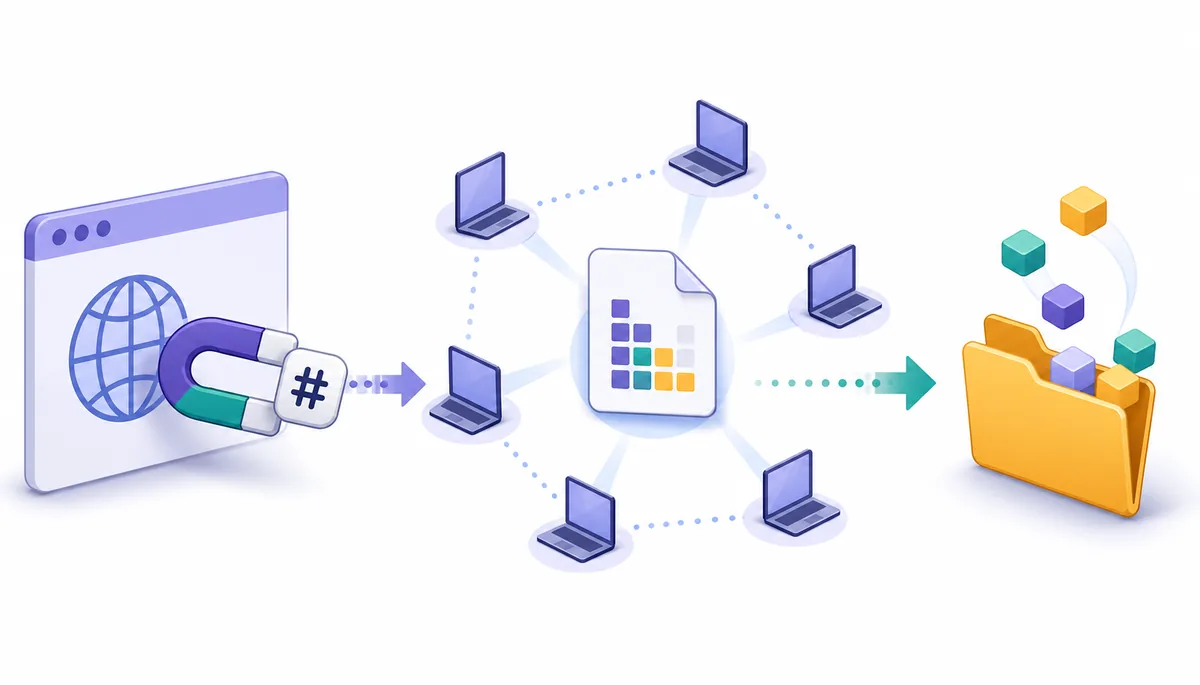
A magnet link is a compact URI that identifies torrent content, usually through an info hash, without carrying the complete torrent metadata in the link itself. The client still has to find that metadata from reachable peers before it can show the file list or begin a normal transfer.
Use magnet links only for material you are authorized to download and share. This guide explains the technology and does not provide torrent or magnet indexes.
- Main identity
- Info hash Identifies the torrent metadata to retrieve
- First stage
- Metadata discovery The file list is not always inside the link
- Vuze context
- Vuze Classic 5.7.6.0 Legacy release dated November 2, 2017
- Status checked
- August 22, 2026 Source and maintenance context reviewed
What is a magnet link?
A magnet link is a URL-like pointer for peer-to-peer content. Instead of downloading a separate .torrent file first, a compatible client reads the URI and uses its identifier to request the matching torrent metadata.
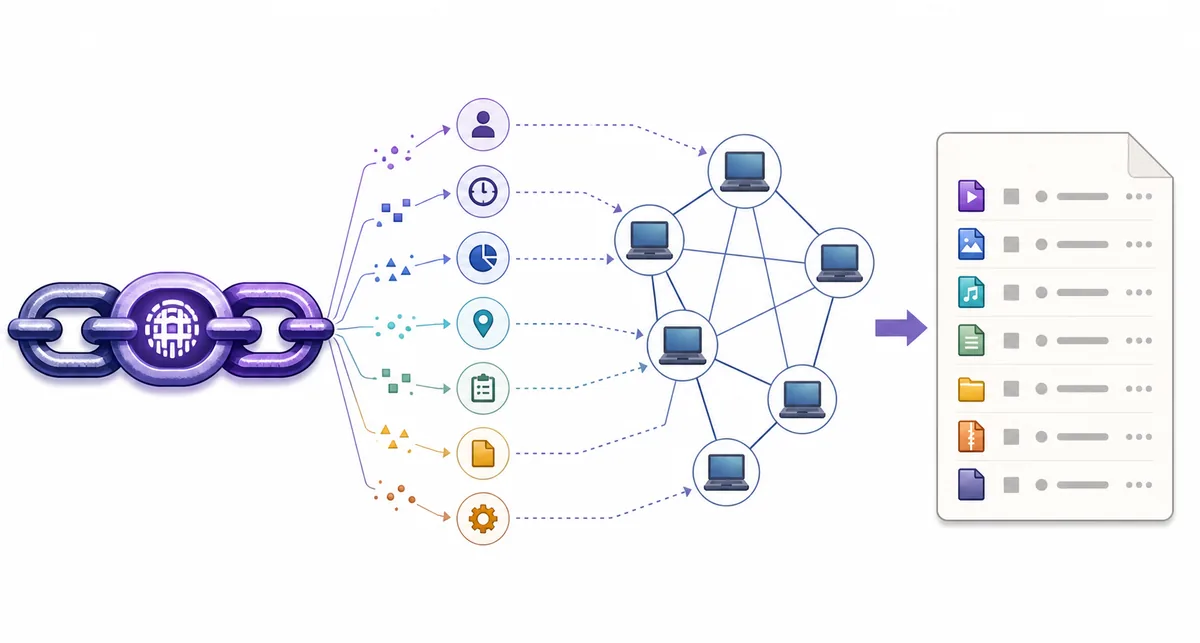
The most important part is normally an xt value containing a BitTorrent info hash. That hash acts like an identity check for the torrent metadata. Optional values can provide a display name, an approximate size, tracker hints or other discovery sources, but the exact fields vary from one link to another.
This means a magnet link is not the same thing as the completed download. It is also not necessarily a complete description of every file. Vuze, BiglyBT, qBittorrent and other clients may need to contact peers, a distributed hash table or other permitted discovery sources before the file list becomes available.
A useful mental model is: the magnet link identifies a destination, metadata describes the torrent, and the later peer transfer supplies the authorized file pieces. Mixing those stages together is why a link can open successfully while the client still says it is downloading metadata.
- A magnet link is a URI, not an installer and not a torrent index.
- The info hash identifies the torrent metadata the client should seek.
- The client must still find reachable metadata sources before showing the file list.
- A working metadata stage does not guarantee that a torrent has active seeds or fast transfer speed.
What information does a magnet link contain?
Magnet URIs are made of a scheme, parameters and values. You do not need to edit them for ordinary use, but recognizing the common fields makes it easier to distinguish an intact link from a truncated or suspicious one.
The magnet: prefix tells the operating system or browser that the link should be offered to a registered magnet handler. The xt parameter is the usual exact topic and often starts with urn:btih: for a BitTorrent info hash. Other parameters are helpful hints rather than a guarantee that a client can reach the content.
A link copied through chat, a line-wrapping email or a web page can lose characters. If the value stops halfway through, includes unexpected tracking text or no longer begins with magnet:, ask for a clean source instead of trying random edits. Never treat a familiar-looking hash as proof that the linked content is trustworthy.
| Field | Typical meaning | What it does not prove |
|---|---|---|
xt | Exact topic, commonly a BitTorrent info hash | It does not prove that peers are online |
dn | Suggested display name | It does not prove the name matches the actual files |
xl | Optional exact length in bytes | It is not a safety scan or a guaranteed final size |
tr | Optional tracker hint | It does not guarantee that the tracker is reachable or trusted |
xs / ws | Optional source or web-seed hints | They do not replace a trustworthy source review |
Magnet link vs. .torrent file
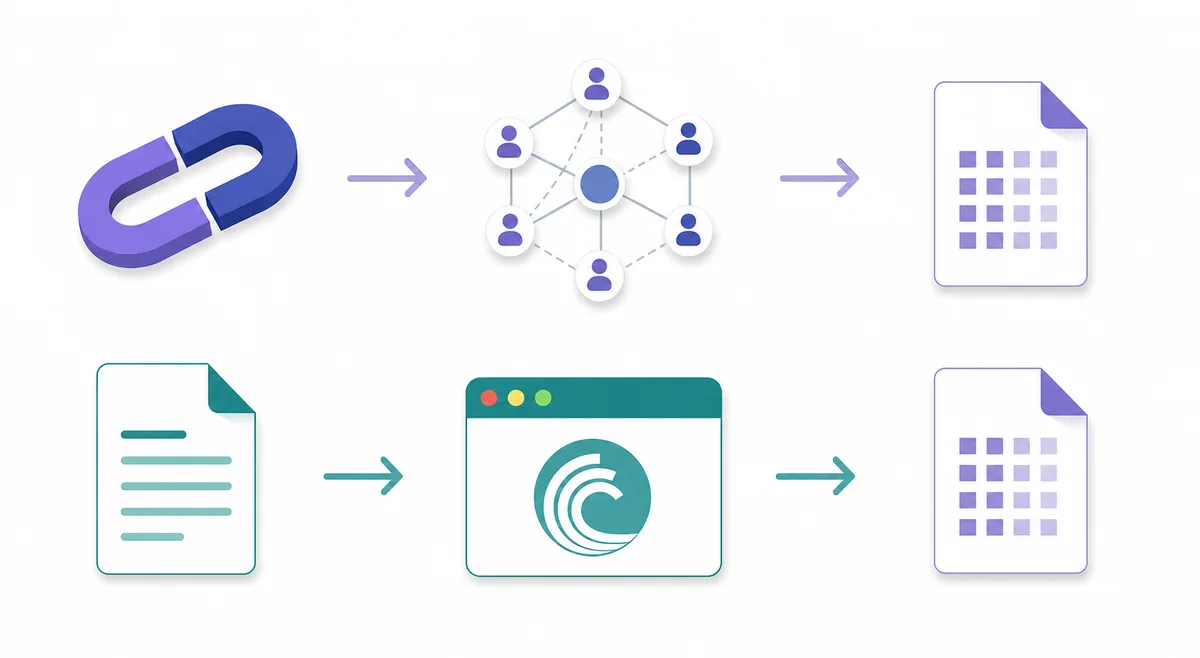
Both methods can lead a BitTorrent client to the same kind of torrent metadata, but they start from different local inputs. The difference is practical: a .torrent file already carries metadata, while a magnet link usually asks the network for it.
A .torrent file is a small file that can include the torrent name, file tree, piece hashes and tracker information. A magnet link is easier to paste and share as text, and it avoids downloading that separate file first. In return, the client may need more time and more reachable peers before it can show which files are inside.
Neither format makes a source automatically safe. A link can point to unwanted, misleading or unauthorized material, and a torrent file can do the same. Source reputation, the permission to download, the expected file list and the behavior of the installer or archive still matter.
| Question | Magnet link | .torrent file |
|---|---|---|
| What you start with | Text URI containing an identifier and optional hints | A local metadata file |
| When the file list appears | After the client retrieves metadata from reachable sources | Usually after the client opens the file |
| Easy to share | Yes, as a link or copied text | Requires attaching or hosting a file |
| Typical first failure | Handler, peer discovery or metadata timeout | Corrupt file, wrong client association or missing tracker |
| Safety question | Is the source and requested content authorized? | Is the source and requested content authorized? |
How Vuze uses a magnet link
Vuze treats a magnet link as the beginning of a staged workflow. The order below helps you identify whether a problem belongs to the browser handoff, metadata discovery or the later file transfer.
For a practical test, use one legal and known-active source, change one setting at a time and keep the firewall enabled. The existing Vuze magnet-link troubleshooting guide is the better next step when a link never opens, remains on metadata or reaches the file list but cannot transfer pieces.
- 1. The browser hands off the URIThe link should begin with magnet: and the browser should offer a registered application. If no application opens, the protocol association is the first place to look.
- 2. Vuze creates a pending jobThe client may show a job before it knows the file names. At this point it has accepted the identifier, not necessarily the complete torrent description.
- 3. Peers provide metadataVuze tries permitted discovery paths such as reachable peers and DHT where the torrent allows it. An abandoned torrent or blocked network can leave this stage waiting.
- 4. The file list becomes visibleReview names, sizes and destination choices before starting. The file-selection guide explains why selecting files is different from deleting them.
- 5. The normal transfer beginsOnly after metadata is available can Vuze request pieces. If the file list appears but speed is zero, use the download-speed guide rather than treating it as a magnet-definition problem.
Why a magnet link can be slow or fail
A magnet link can be valid while its metadata sources are unreachable. Identify the stage that failed before reinstalling a legacy client or weakening security settings.
Do not forward random router ports, disable the firewall globally or install a modified package just to make one old link work. Those actions can hide the real stage failure and create a wider security problem. If you need an operational checklist, continue to the Vuze magnet link troubleshooting page.
| Observed result | Likely stage | Safer next check |
|---|---|---|
| Nothing opens | Browser or operating-system magnet handler | Confirm the URI begins with magnet: and review the registered application |
| Vuze job appears but metadata stays pending | Peer discovery or network path | Test a known-active legal source, then check DHT, firewall, VPN and proxy rules |
| File list appears but transfer stays at zero | Peer availability, queue or limits | Check seeds, pause state, selected files, storage and speed limits |
| Only one link fails | The source may be abandoned or malformed | Compare it with a second permitted source instead of changing every client setting |
| Works only after disabling protection | Firewall, VPN or binding mismatch | Restore protection and identify the exact application or interface rule |
Safety and source checks for legacy Vuze
Understanding a magnet link does not remove the need to check its source or the age of the client handling it. Vuze Classic is a legacy line, so the file page, platform warnings and maintenance boundary deserve explicit attention.
The Vuze release context checked for this guide remains 5.7.6.0, dated November 2, 2017. That is a historical release, not a claim of current active maintenance. The SourceForge project area is a source-page fallback; it is not the same as a guarantee that every file shown there is suitable for every current operating system.
Before opening a magnet link, confirm that the content is authorized, inspect the source domain, compare the expected name and file list, and avoid archives or installers that do not match the purpose. If your goal is simply to use a maintained client, the Vuze alternatives comparison and the Vuze Classic status guide are more useful than forcing a legacy workflow.
For download safety and source-review details, see Is Vuze safe?. For storage planning after metadata appears, use the Vuze download-folder guide.
- Do not treat a magnet link, file name or info hash as a safety certificate.
- Use only content you are authorized to download and share.
- Do not disable firewall, VPN or operating-system protections globally.
- Prefer an official or established project source and check the exact platform context.
- Move to a maintained client when the legacy workflow requires unsafe workarounds.
Use the right guide for the failed stage
If the link will not open or metadata never arrives, move to the troubleshooting guide. If the legacy client needs unsafe workarounds, compare a maintained alternative instead.
What is a magnet link FAQ
These answers separate the link identity, metadata discovery and later file-transfer stages.
Is a magnet link the same as a .torrent file?
No. A .torrent file stores torrent metadata locally, while a magnet link usually stores an identifier and optional hints and asks the client to retrieve the metadata from reachable sources.
Does a magnet link contain the files?
No. It does not contain the completed files. It normally identifies torrent metadata, and the client later requests authorized pieces from peers.
Why does Vuze say downloading metadata?
Vuze has accepted the magnet identifier but has not received the complete torrent description. Check reachable peers, DHT rules, firewall and VPN or proxy paths before judging the later transfer speed.
Can I open a magnet link in Vuze?
Yes, when the operating system or browser associates the magnet: protocol with Vuze. If nothing opens, repair the handler first; if a job opens but stays pending, follow the Vuze magnet troubleshooting guide.
Are magnet links safer than .torrent files?
Neither format is automatically safe. Review the source, expected file list, permissions and installer or archive behavior regardless of whether the starting point is a link or a local torrent file.
Can I use magnet links with a legacy Vuze installation?
Vuze Classic can work with magnet links, but the verified line is legacy software. Keep the operating system protected, use an established source and consider a maintained client when the workflow depends on unsafe exceptions.