
Vuze BitTorrent Client: Features, Setup and Legacy Limits
The Vuze BitTorrent client is a desktop peer-to-peer application known for detailed transfer controls, queue management, plugins and a media-focused workflow. It is useful to understand when a legacy workflow requires it, but Vuze Classic should not be mistaken for a newly maintained client.
This is an independent editorial guide. It does not host installers or torrent content; use BitTorrent only for material you are authorized to download and share.
- Application type
- Desktop BitTorrent client Peer-to-peer transfer manager
- Software lineage
- Azureus to Vuze One historical project family
- Verified legacy line
- Vuze 5.7.6.0 SourceForge release dated November 2, 2017
- Status checked
- August 2, 2026 Project files and source-page fallback reviewed
What is the Vuze BitTorrent client?
Vuze is a desktop BitTorrent client: it coordinates torrent metadata, peer connections, queues, storage locations and completed files on your computer.
The Vuze BitTorrent client was built for people who wanted more visibility and control than a minimal download window provides. Its familiar concepts include transfer queues, peer and availability details, bandwidth rules, plugins, remote-management options and a media-oriented library. Those features describe the software's historical design; they do not prove that every feature is supported on a current operating system.
Search results can mix Vuze, Azureus, third-party download portals and unrelated torrent pages. Azureus is the earlier name in the same software lineage, while Vuze is the later brand. The Azureus BitTorrent client history guide covers that rename; this page focuses on what the Vuze client does and how to judge a legacy installation.
What made Vuze different from simpler clients?
Vuze combined a detailed transfer engine with discovery and playback ideas that were less common in lightweight torrent clients.
The historical Vuze feature set emphasized finding, downloading and managing media in one desktop environment. The official Vuze feature overview describes discovery, downloads and playback, while the older client lineage is also associated with queue rules, peer information, bandwidth limits and extensions. Treat those descriptions as product context, not a promise that a current download will work unchanged.
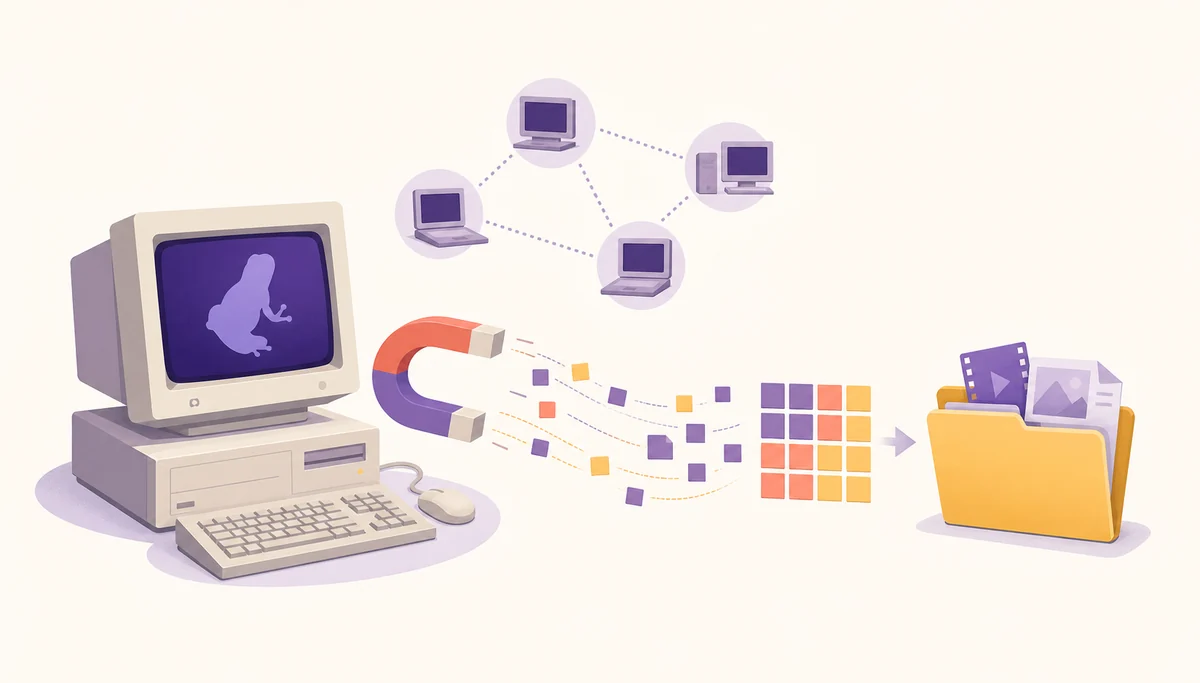
For a practical mental model, separate the workflow into four stages: identify authorized content, obtain metadata, transfer pieces from available peers and save or play the completed files. A problem in one stage can look like a problem in another, so the Vuze magnet-link troubleshooting guide explains why metadata discovery and file transfer should be checked separately.

- Detailed transfer and peer information instead of only a progress bar.
- Queue, bandwidth and storage controls for several concurrent jobs.
- Plugins and remote-management concepts that appear in older Vuze workflows.
- A media-oriented library and playback layer around the BitTorrent client.
- A clear distinction between metadata discovery and the later file-transfer stage.
How the Vuze download workflow works
A Vuze download is not a single button press. The client must receive a torrent file or magnet URI, discover peers and then write authorized content to a chosen folder.
A normal workflow starts with a legal, trusted source. Vuze then reads a torrent file or receives a magnet link, builds a job and tries to obtain metadata from the peer network. After the file list is known, the client requests pieces, checks them and writes them to the selected destination. The status that you see depends on which of those stages has completed.
If the browser opens nothing, investigate the magnet handler. If Vuze shows downloading metadata, check peer discovery, DHT, firewall, proxy and VPN routing. If the file list is present but speed is zero, inspect seeds, queue state, selected files and limits. For storage problems, use the Vuze download-folder guide instead of moving active files blindly.
- Start with permissionUse only content you are legally allowed to download and share, and begin from a source you can identify.
- Open the metadataPass the torrent file or magnet URI to Vuze and confirm that the client creates a visible job.
- Wait for discoveryAllow time for metadata and peers; an inactive torrent cannot prove that the client is broken.
- Check the file listReview selected files, storage space and the destination before normal piece transfer begins.
- Test one variableChange a handler, firewall rule, proxy or folder setting one at a time so the cause remains visible.
| Observed stage | What it means | Best next check |
|---|---|---|
| Nothing opens | The browser or operating system did not hand the URI to Vuze | Repair the magnet association and retry once |
| Downloading metadata | Vuze has an identifier but not the full torrent description | Test a known-active legal magnet and inspect peer/network access |
| File list visible, speed zero | Metadata succeeded but no useful pieces are arriving | Check seeds, queue, selected files and limits |
| Files finish in the wrong folder | The path or move operation does not match the job state | Pause safely and follow the download-folder procedure |
Vuze setup checklist for a legacy installation
A legacy client deserves a source and compatibility check before it receives network access or personal files.
The current SourceForge project metadata still identifies Vuze 5.7.6.0, released November 2, 2017. The project page is a source-page fallback, not a guarantee that an archived package is compatible with Windows, macOS or Linux today. The Windows best-release record is a small web installer and carries a potentially unwanted-application warning in the source metadata, so this site does not silently launch a temporary direct file URL.
When a legacy installation is genuinely required, inspect the project path, full filename, platform and architecture before saving it. Keep SmartScreen, Gatekeeper, antivirus and firewall protections active. If the setup asks you to install an unrelated extension, disable broad protection or use a cracked edition, stop and compare a maintained client instead. The existing Vuze safety guide gives a separate source and risk checklist.
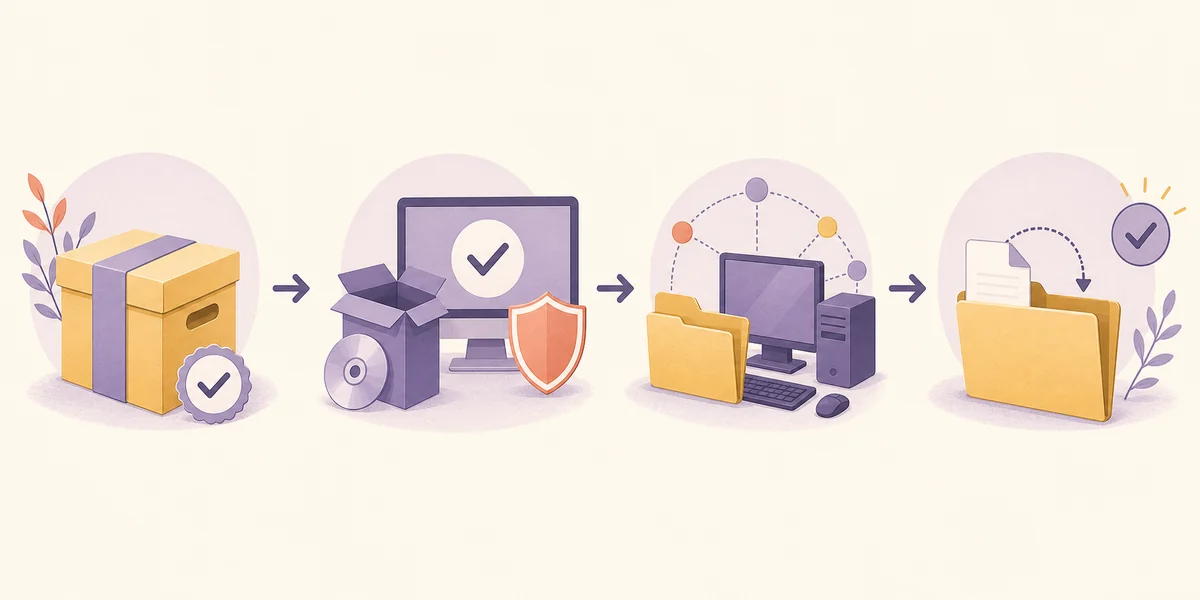
- Confirm the dependencyWrite down the plugin, old workflow or file format that actually requires Vuze.
- Use the project pageOpen the established Azureus/Vuze SourceForge file area; do not guess a CDN or mirror URL.
- Match the packageCheck the operating system, architecture, filename and archive context before running anything.
- Protect the systemLeave platform security controls enabled and read warnings rather than bypassing them automatically.
- Run a small testUse legal, low-risk data and confirm the destination, network behavior and cleanup path.
Vuze, Vuze Classic and maintained alternatives
The words Vuze, Vuze Classic and Azureus can describe the same historical family, but they do not all answer the same search or installation question.
Vuze Classic usually means the familiar legacy desktop line rather than a modern supported branch. Azureus is the earlier project name. A search for “Vuze BitTorrent client” often means “what is this software and does it fit my workflow?”, while “Vuze Classic download” is more specifically about locating an archive. The Vuze Classic guide keeps the version and archive context separate from this broader client explainer.
For a new installation, compare maintenance evidence before choosing by familiarity. BiglyBT is the closest maintained descendant for users who want deeper controls, while qBittorrent, Transmission and Deluge fit different needs. Use the Vuze alternatives comparison when the real goal is a current client rather than preserving one old Vuze workflow.
| Term or choice | What it usually means | Use this page when |
|---|---|---|
| Vuze BitTorrent client | The desktop client and its historical workflow | You need features, stages and setup context |
| Vuze Classic | The legacy release line and archived packages | You need version or source-file guidance |
| Azureus | The earlier name in the same project lineage | You need history, naming or archive context |
| Maintained client | A project with an active release process and current support evidence | You are starting fresh without a legacy dependency |
Who should use Vuze today?
Vuze can still be relevant, but the reason should be specific and testable rather than simple nostalgia.
Vuze is most defensible when an archived plugin, documented lab workflow, old configuration or compatibility requirement makes the software family necessary. Back up settings, record the save paths and test the exact job you need. Do not assume that a familiar interface, a search-result mirror or a file labelled “installer” makes the software current or safe.
If you only need a BitTorrent client for ordinary legal transfers, start with a maintained alternative and compare its current platform support. This avoids turning a legacy download into a system-wide compatibility project. If you still choose Vuze, keep the scope narrow, keep operating-system protections on and remove unused legacy components after the test.
- Choose Vuze for a documented legacy dependency, not merely because the brand appears in a search result.
- Back up settings, watch folders and existing data before changing the client or destination.
- Use a known, legal test transfer and stop when the source, package or warning cannot be explained.
- Prefer a maintained client for a new setup when no Vuze-specific feature is required.
- Do not treat a source archive, an old version number or a successful launch as a current security guarantee.
Review the source before running a legacy client
Open the established project page, match the package to your platform and keep system protections enabled. Use the archive only when a documented Vuze dependency justifies it.
Vuze BitTorrent client FAQ
Short answers for readers deciding whether they need the legacy client or a maintained alternative.
What is the Vuze BitTorrent client?
Vuze is a desktop BitTorrent client that manages torrent or magnet metadata, peer connections, queues, storage paths and completed files. It is best understood today as a legacy software line rather than a newly supported client.
Is Vuze the same as Azureus?
They belong to the same historical software lineage. Azureus was the earlier name and Vuze was the later brand. Older project paths and guides may still use Azureus.
What is the latest verified Vuze version?
The SourceForge project metadata checked on August 2, 2026 still identifies Vuze 5.7.6.0, dated November 2, 2017. That is a verified legacy release line, not a claim of current support or universal compatibility.
Does Vuze still work on Windows or macOS?
It may run in some older or carefully prepared environments, but compatibility depends on the archived package, Java, platform security policy and system architecture. Do not assume that an old installer supports a current operating system.
Is Vuze safe to install?
There is no blanket safety guarantee for a legacy network client. Use the established project source, inspect the exact file, keep platform protections enabled and stop if a package or warning cannot be explained.
What should replace Vuze for a new setup?
Compare maintained clients first. BiglyBT is the closest continuation for users who want Vuze-like depth, while qBittorrent, Transmission and Deluge can be better fits for simpler or service-style workflows.