
Vuze for Linux: Download, Java Setup and Legacy Limits
Vuze for Linux can still be researched from the established Azureus/Vuze project archive, but it should be treated as legacy Java software rather than a current supported desktop release. This guide shows how to identify the Linux package, check Java and permissions, test the installation safely and decide when a maintained client is the better choice.
Open Vuze Linux archiveIndependent source-first guidance. This page does not host an installer, mirror torrent content or claim that an archived Vuze package is current.
- Platform
- Linux desktop Distribution and Java compatibility vary
- Legacy line
- Vuze 5.7.6.0 Historical release, not current support
- Linux package
- Vuze_5760_linux.tar.bz2 Confirm the filename in the source directory
- Checked
- September 19, 2026 Official archive and source notes reviewed
What does Vuze for Linux mean today?
The phrase describes a Linux build of the older Java desktop client, not a new Linux distribution package with modern support guarantees.
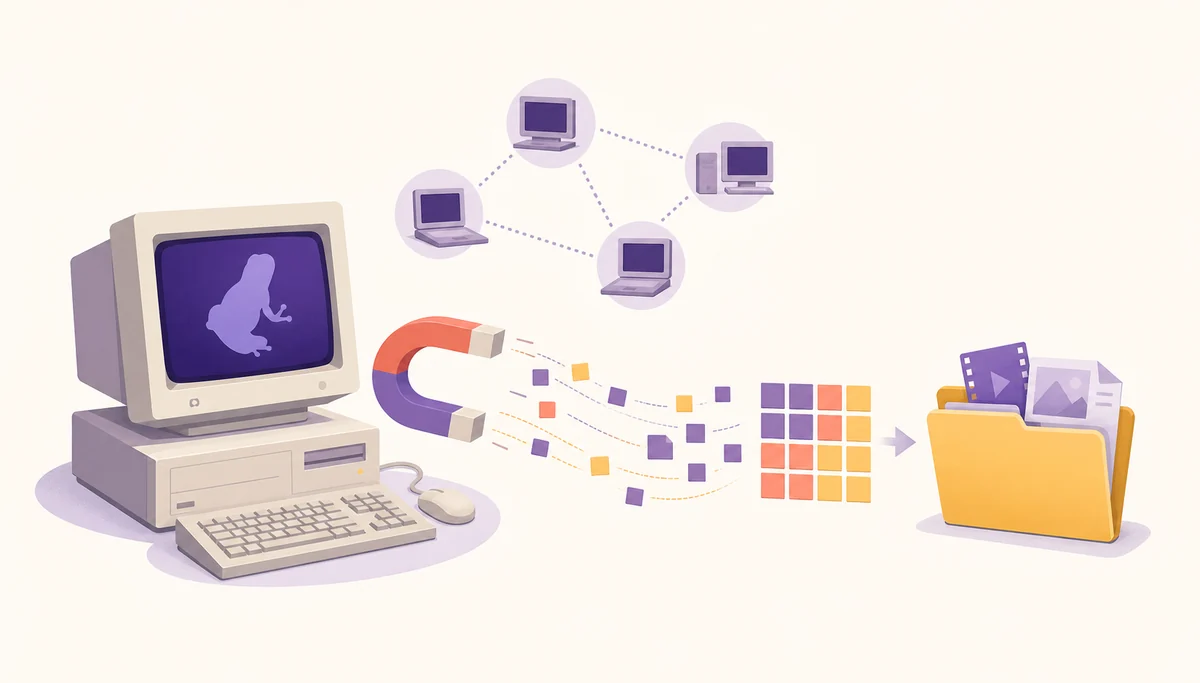
Vuze started as Azureus and became a feature-rich BitTorrent client for desktop systems. On Linux, that history matters because the application depends on an older Java-era workflow: an archive must be unpacked, the launcher must find a compatible runtime, and the desktop environment must allow the application to read and write its configuration and download folders. A page that simply says “download Vuze for Linux” leaves out the decisions that determine whether the program will actually start.
The Linux topic is different from the site's Windows download guide and Mac download guide. Those pages focus on platform-specific installers, SmartScreen, Gatekeeper, processor architecture and permissions. This page focuses on a tar.bz2 archive, Java discovery, executable permissions, desktop integration and Linux alternatives. The general Vuze BitTorrent client guide explains the client workflow separately.
Where to find the Vuze Linux package
Use the official project file directory as a source-page fallback, and verify the package name instead of trusting a prominent download button.
The source checked for this page is the Azureus/Vuze project area on SourceForge. Its Vuze_5760 folder lists the historical 5.7.6.0 release family and includes a Linux archive named Vuze_5760_linux.tar.bz2. The directory is a source reference, not evidence that Vuze is still receiving security fixes or that the archive will run on every current distribution.
The Linux archive is listed at about 35.7 MB in the project file view, with the release line associated with November 2, 2017. Keep that date visible when you make a decision: “latest verifiable legacy line” is not the same as “latest supported version.” Do not replace the source-page link with a guessed mirror, a shortened redirect or a direct URL containing an expiring session token.

Linux package, Java and permissions checks
A successful download is only the first checkpoint. Linux must also be able to launch the archive and give Vuze a sensible writable location.
Do not install a random Java package just because an old guide names one. First identify the distribution and architecture, then read the release notes or the application output to see which Java behavior is missing. A legacy launcher may expect older Java APIs, while a modern runtime may reject an old option or a bundled component. If the program starts with warnings, keep the complete terminal output instead of hiding it with a blanket flag.
Extract the archive into a directory you control, such as a dedicated folder under your home directory. Avoid running a downloaded archive as root and avoid placing it in a system directory until you understand how it stores configuration, plugins and temporary files. Check ownership and write access for the download directory separately from the application directory; a client can open successfully and still fail when it tries to save metadata or completed files.
| Check | What to confirm | Stop or continue |
|---|---|---|
| Distribution | Linux family, architecture and update policy | Continue only when the environment is known. |
| Java | The runtime can launch the legacy client without unexplained errors | Stop if the guide asks for an unknown installer or broad security bypass. |
| Permissions | Application and download folders are writable by the normal user | Fix the path or ownership; do not run the client as root by habit. |
| Package | Exact Vuze_5760_linux.tar.bz2 filename and source path | Reject repackaged archives and unrelated download managers. |
How to install Vuze on Linux carefully
The following flow is intentionally conservative because the software line is archived and the correct Java behavior depends on the distribution.
A Linux installation guide should explain what happens after the download. Use a clean test directory, keep the original archive until the checksum or source identity has been reviewed, and record the distribution and Java version that worked. That small record makes later troubleshooting much easier than repeatedly downloading an unknown file.
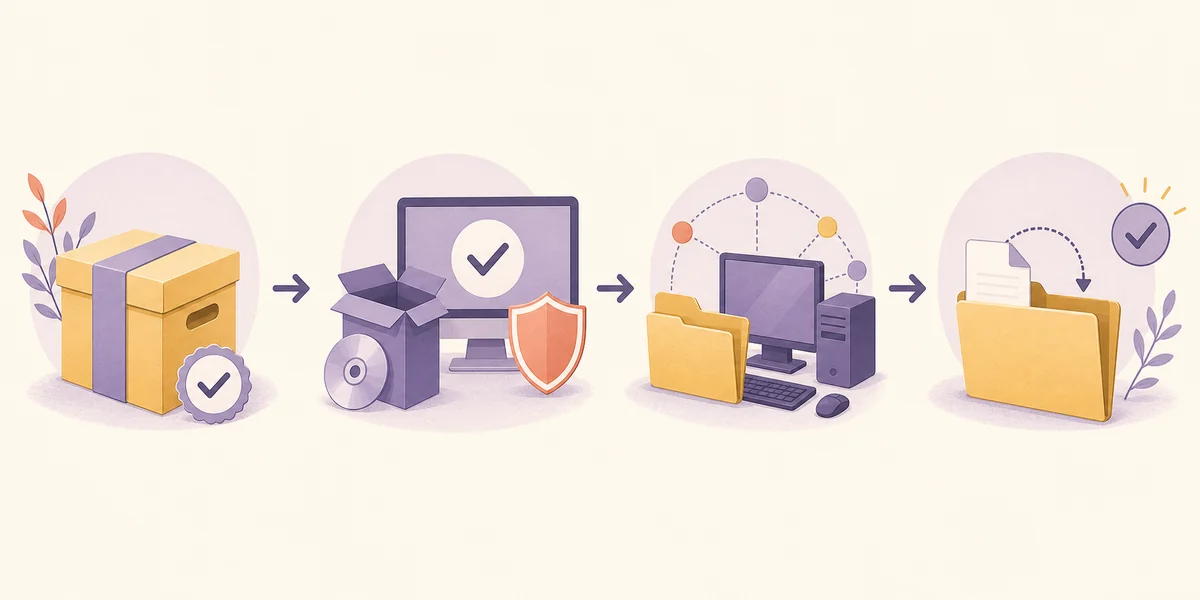
- 1. Open the established source.Use the SourceForge Azureus/Vuze Vuze_5760 directory and verify that the Linux package is named Vuze_5760_linux.tar.bz2. Do not choose an advertisement or a third-party repackaging.
- 2. Save and inspect the archive.Keep the file in a normal download folder, review its size and name, and scan it with the security tools available on your distribution before extracting it.
- 3. Extract as a normal user.Create a dedicated Vuze folder under your home directory. Avoid sudo unless a distribution-specific packaging step genuinely requires it; the client should not need root access to download authorized files.
- 4. Check the launcher and Java.Read the included files and launch output. If the program cannot find Java, resolve the runtime using your distribution's trusted package source rather than copying a command from an unknown mirror.
- 5. Test one controlled task.Choose a small, authorized download from a trusted publisher, confirm the save path, pause and resume it, and watch the terminal or logs for Java, permission and network errors before enabling extra plugins or remote access.
Common Vuze for Linux problems
Most failures can be classified before you change a setting or install another package.
If Vuze does not start, separate a missing Java runtime from a launcher error and from a desktop display problem. Capture the exact terminal message, the distribution release and the Java version. A blank window, an unsupported option and a permission-denied message require different fixes; reinstalling random packages can make the source trail harder to audit.
If the program opens but a task cannot save, check the selected path, free space, mount permissions and whether the target is an external or network volume. For magnet metadata or peer problems, use the dedicated Vuze magnet-link guide rather than changing Java first. For zero-speed transfers, the Vuze speed guide separates peer availability, queue rules, upload limits and network controls.
- Java error: record the complete message and use the distribution's trusted package source; do not download a random runtime from a mirror.
- Permission denied: choose a user-owned application and download folder before considering any ownership change.
- No desktop icon: treat this as an integration issue, not proof that the client or archive is authentic.
- Magnet metadata stuck: check protocol association, reachable peers and DHT conditions separately from the installation.
- Speed is zero: check swarm health, queue state, storage and network limits before copying unsafe port-forwarding commands.
- Remote access request: do not expose an old service to the public internet just to preserve a legacy workflow.
Vuze for Linux versus maintained alternatives
The best Linux choice depends on whether you are preserving a known legacy workflow or starting a new installation.
Vuze may still be useful when you have an old configuration, a documented plugin dependency or a controlled environment that already works. It is a weaker choice for a new network-facing installation when the setup requires an unknown Java workaround, disabled protections or a package from an unverified mirror. The age of the file alone does not make it malicious, but it does increase the amount of compatibility and maintenance work you must own.
The Vuze alternatives comparison covers BiglyBT, qBittorrent, Transmission and other maintained paths. BiglyBT is the closest project lineage for readers who value Vuze-style controls; qBittorrent and Transmission may be easier choices when the priority is a current, straightforward desktop workflow. Verify current Linux support on each project's official site before treating any version as current.
| Path | Good fit | Main caution |
|---|---|---|
| Archived Vuze Linux build | Preserving a known legacy setup | Java, plugins and distribution compatibility are not guaranteed. |
| BiglyBT | Closest maintained lineage and advanced controls | It is a separate project; evaluate its own release and package sources. |
| qBittorrent | A current cross-platform desktop workflow | Interface and configuration concepts differ from Vuze. |
| Transmission or Deluge | A simpler client or a daemon-oriented setup | Choose based on the workflow, not only the product name. |
A practical decision checklist
Use Vuze for Linux only when you can identify the project source, the exact package, the Java behavior and the writable download path. Keep the archive's release date visible, test with content you are authorized to access and avoid instructions that begin by disabling system protections. If any one of those checks fails, a maintained Linux client is usually the more defensible choice.
Check the Vuze_5760 Linux archive
Open the established project file directory, verify the Linux filename and release context, then decide whether the legacy Java workflow is appropriate for your distribution.
Vuze for Linux FAQ
Short answers for readers checking the archive, Java runtime and current Linux alternatives.
Can I still download Vuze for Linux?
The established Azureus/Vuze SourceForge project directory still lists the historical Vuze_5760_linux.tar.bz2 package. Availability does not guarantee compatibility or current security support, so verify the folder, filename and release context before saving it.
Which Java version does Vuze need on Linux?
The correct runtime depends on the legacy launcher and the Linux distribution. Read the launch output and trusted project notes, then use the distribution's package source. Do not install an unknown Java archive or assume that a modern runtime will accept every old option.
Should I run Vuze as root?
No. Extract and run the client as a normal user in a directory you control, and choose a writable download folder. Running a legacy network client as root increases the consequence of mistakes and does not repair a Java or package problem.
Does this page provide a direct Linux installer?
No. It links to the official project file directory because a stable, independently verified direct file URL was not established for this review. The page is a source and compatibility guide, not an installer mirror.