
Is Vuze Safe to Use in 2026?
Vuze is not automatically malware, but Vuze Classic is legacy software and should not be treated like a currently maintained torrent client. The safest answer is conditional: use only the established project source, verify the exact file and platform, keep operating-system protections enabled, and prefer a maintained alternative when you do not specifically need Vuze.
Version check completed August 2, 2026: the established SourceForge project directory still identifies Vuze 5.7.6.0 as the latest Vuze line, released November 2, 2017.

- Verified Vuze line
- 5.7.6.0 SourceForge project files checked August 2, 2026
- Release date
- November 2, 2017 Legacy, not a current 2026 release
- Maintenance status
- Legacy No newer Vuze release was verified
- Main source
- SourceForge project files This site does not host installers
- Primary concern
- Age and source integrity Not a blanket malware verdict
- Closest maintained path
- BiglyBT Active open-source continuation
The short answer: Vuze is usable, but not low-risk by default
A clean archived installer and a safe modern-day choice are not the same thing.
The long-standing Azureus/Vuze project area on SourceForge still lists Vuze 5.7.6.0. That gives users a more credible source than an anonymous mirror, bundled download manager, cracked build, or page that invents a newer version. It does not prove that every file carrying the Vuze name is safe, and it does not make a 2017 application fully aligned with 2026 security expectations.
Vuze can be a reasonable choice for an experienced user who needs an old workflow, checks the source and filename, keeps endpoint protection enabled, and tests only legal content. It is a poor default for a new user who simply wants a current BitTorrent client. The lack of recent Vuze releases means compatibility problems, obsolete bundled components, plugin risk, and reduced confidence about how quickly newly discovered issues would be fixed.
What “safe” should mean for Vuze Classic
Safety has several layers. Source safety asks whether the installer came from the established project location instead of a repackaging site. File integrity asks whether the filename, platform, publisher details, hash or signature match available project information. runtime safety asks whether the operating system, Java runtime and plugins are still supportable. usage safety asks whether the torrent itself is authorized, expected and scanned before it is opened.
A green result from an old download portal is not a permanent guarantee. Scan dates expire, detection engines change, and a portal may test a different build from the one offered today. Likewise, an archived open-source project can be legitimate while still being a weaker security choice than actively maintained software. Judge the exact file and the current environment, not only the product name.
Five checks before installing Vuze
Do these checks in order and stop when the source or file identity is unclear.
Start from the established project directory rather than a search ad or download wrapper. Read the complete filename and select the package intended for your operating system. A Windows EXE is not a Mac installer, and an old macOS DMG may still be incompatible with Apple silicon or current Gatekeeper requirements.
Keep SmartScreen, Gatekeeper, antivirus and firewall protections enabled. If a tutorial tells you to disable them globally, install a browser extension, run an unrelated cleaner, or paste an unexplained administrator command, leave that source. A legitimate compatibility problem should be investigated, not bypassed with permanent security exceptions.

- Confirm the sourceUse the established SourceForge project directory or a first-party project reference. Avoid anonymous mirrors and shortened links.
- Match the platformCheck the full filename, operating system and architecture before opening the package.
- Inspect identity evidenceReview publisher, signature, hash or release details when they are available; do not invent missing verification.
- Scan the exact fileUse current local security tools. Treat old portal scan badges as historical evidence only.
- Test cautiouslyInstall only if the earlier checks pass, then test with a small legal download before moving settings or queues.
Vuze risks on Windows, macOS and Linux
The main risk differs by platform. Modern operating systems have changed signing, permissions, runtime and network controls since Vuze 5.7.6.0 was released. A file can be genuine and still fail because the surrounding platform has moved on.
Do not interpret every warning as malware, but do not dismiss warnings automatically either. Record the exact message, confirm the file source, and compare it with the platform-specific guidance before deciding whether the software is worth the exception.
| Platform | Common concern | Safer response |
|---|---|---|
| Windows 10/11 | SmartScreen reputation, old Java dependencies, firewall prompts, bundled mirror installers | Use the project source, keep Defender and SmartScreen enabled, inspect the exact publisher and choose a maintained client if warnings cannot be explained. |
| Current macOS | Gatekeeper, notarization, Intel-era components, Apple silicon compatibility | Use only a clearly labeled Mac package, do not run EXE files, and do not disable Gatekeeper globally. Prefer BiglyBT, Transmission or qBittorrent if compatibility is uncertain. |
| Linux | Old packages, unsupported repositories, Java version mismatch, manual permissions | Prefer distribution packages or actively maintained upstream projects. Avoid abandoned third-party repositories and unexplained root commands. |
When you should not install the file
- The page claims a Vuze version newer than 5.7.6.0 without a verifiable first-party or established project source.
- The download arrives through a custom installer, browser extension, notification prompt or unrelated system optimizer.
- The filename or platform does not match what the page describes, or the publisher information is missing and cannot be explained.
- Security tools detect the file and the source responds only by telling you to disable protection permanently.
- The package asks for administrator or root access before showing a clear, relevant reason.
- You do not specifically need Vuze and an actively maintained client can perform the same legal task.
Why a maintained alternative is usually safer
BiglyBT is the closest maintained continuation for users who value Vuze-style controls, plugins and detailed queue management. Its official GitHub releases show active development, which means current platform changes and reported defects have a clearer path to fixes. qBittorrent and Transmission are often simpler choices when you do not need the Vuze feature model.
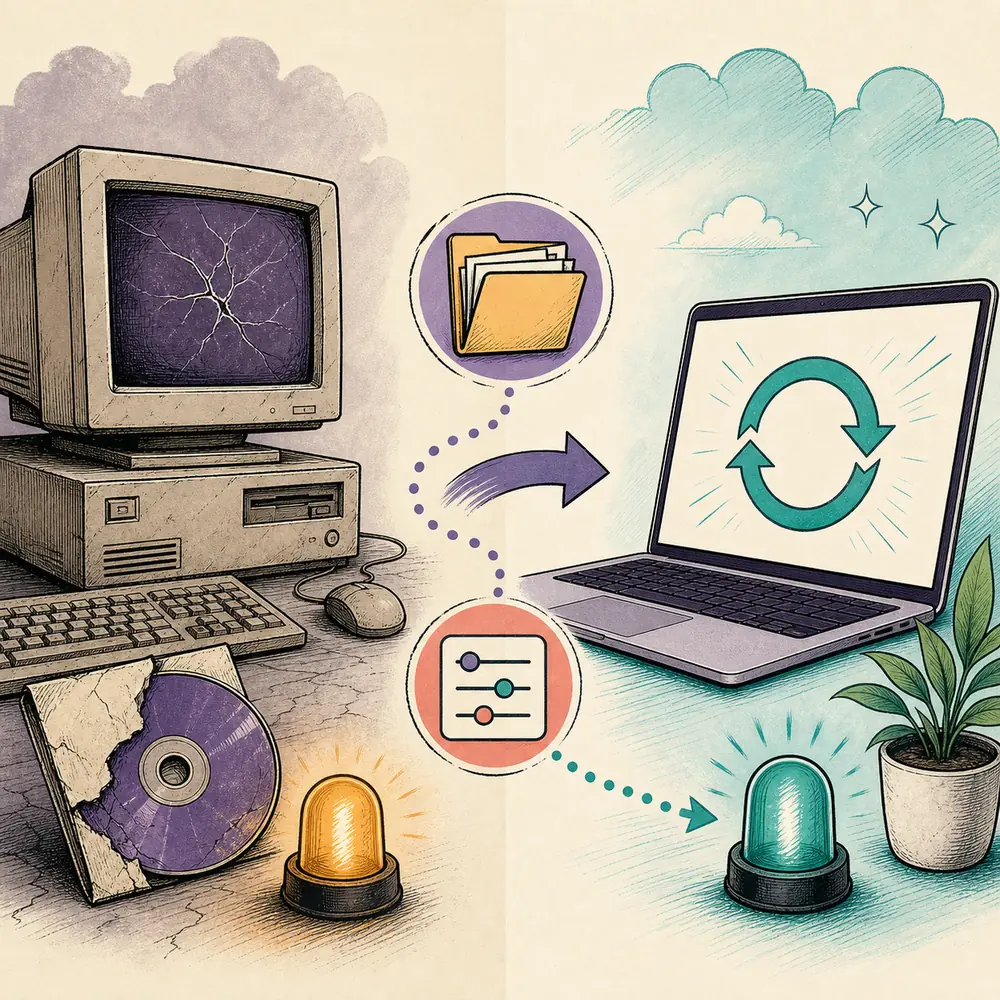
Migration is safer when it is deliberate. Back up settings and watch folders, note port and bandwidth rules, install the maintained client from its official source, and test a small legal torrent before importing a large queue. Do not copy unknown plugins or old automation scripts until you have confirmed they are still necessary and trustworthy.
Safe software does not make every torrent safe or legal
BitTorrent is a transfer protocol used for legitimate open-source software, public datasets and authorized media distribution. The client cannot determine whether you have permission to download or share a particular file. Check the source, license, local law and network policy before starting a transfer.
Treat downloaded content separately from the client installer. Scan files before opening them, be cautious with executables and archives, and avoid media files that require a special codec installer or password tool from an unrelated page.
Compare Vuze with current BitTorrent clients
Choose by the features you actually need, then download only from the selected project's official source.
Common questions about using Vuze safely
These answers separate installer source, software age, downloaded content and legal use.
Is Vuze a virus?
Vuze itself is a known open-source BitTorrent client, and the established SourceForge project directory lists Vuze 5.7.6.0. That does not prove every website or file using the Vuze name is clean. Verify the exact source and file with current security tools.
Is Vuze 5.7.6.0 still safe?
It may be usable when obtained from the established project source and checked carefully, but it is a 2017 legacy release rather than actively maintained 2026 software. Its age increases compatibility, dependency and unpatched-risk concerns.
What is the official Vuze download source?
The long-standing Azureus/Vuze project files are available on SourceForge. Vuze Download Wiki does not host or repackage the installer and does not claim that an unverified mirror is official.
Why does Windows SmartScreen or macOS Gatekeeper warn about Vuze?
Older software may lack current reputation, signing or notarization evidence. A warning is not automatic proof of malware, but it is a reason to stop, confirm the source and avoid disabling protection globally.
Is BiglyBT safer than Vuze?
No software is risk-free, but BiglyBT is actively maintained and is the closest project continuation. Active releases provide a clearer route for compatibility and security fixes than a legacy Vuze release.
Can I use Vuze legally?
Yes, BitTorrent clients have lawful uses. You are responsible for having permission to download and share each file and for following local law, service terms and network policy.