
Vuze for Android: Is the App Still Available?
If you search for Vuze for Android, you may find old Vuze Remote pages and third-party APK listings mixed together. The careful answer is that no current Vuze Android release or stable official APK was verified; this guide explains the old remote-control role, the source checks that matter and the maintained BiglyBT Android path.
Independent editorial guidance. This page does not host APK files or torrent content, and it does not turn an unverified mirror into an official download source.
- Search intent
- Android availability Informational and source-checking
- Vuze Remote status
- Legacy No current Vuze Android release verified
- Successor checked
- BiglyBT Android v1.3.3 Official release dated September 22, 2023
- Status checked
- August 16, 2026 Official source pages reviewed
What does Vuze for Android actually mean?
The phrase can describe two different things, and mixing them creates most of the download confusion.
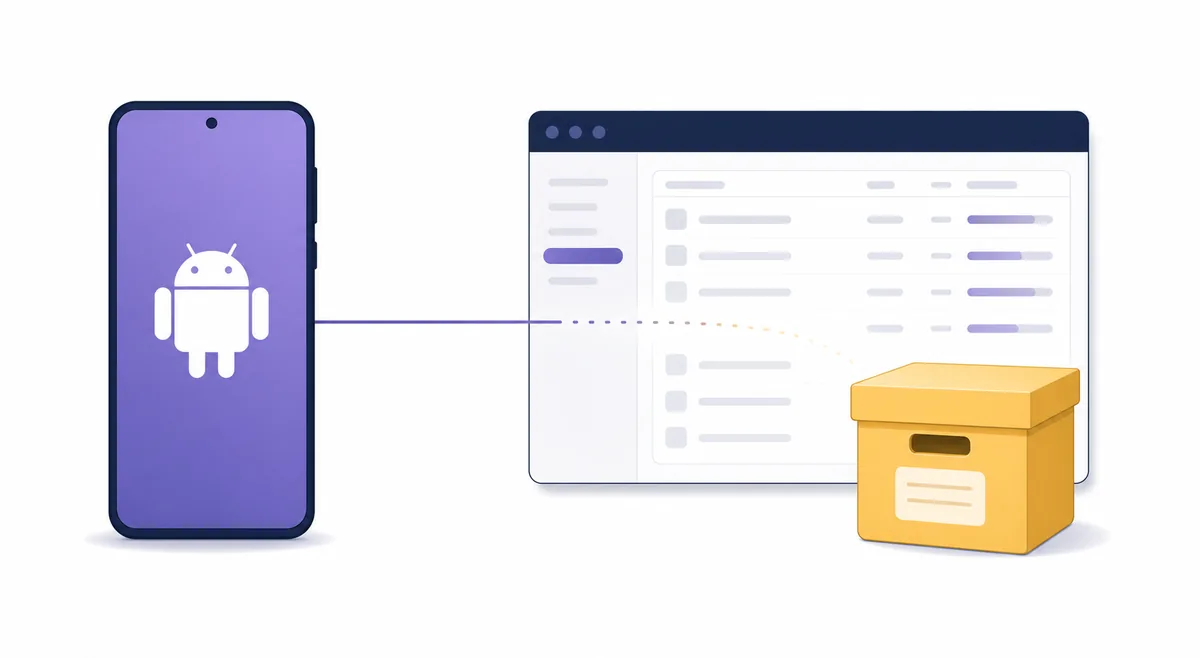
Vuze is primarily known as a desktop BitTorrent client. The Android search phrase usually points to Vuze Remote, an older companion concept for checking or controlling a desktop Vuze installation from a phone. That is different from a current, standalone Android torrent client that is actively maintained for new devices.
The desktop lineage is covered in the Vuze BitTorrent client guide, while the old name history is explained in the Azureus guide. This page stays narrower: it asks whether an Android user can still obtain a trustworthy Vuze mobile app and what to do when the answer is uncertain.
Search results can also confuse Vuze with unrelated apps, repackaged APK pages or generic torrent-client lists. A familiar app name and an Android package file are not enough to prove that the file is current, authentic or compatible with your phone.
Why Vuze Remote should be treated as legacy
An old remote-control companion depends on both sides of the connection: the phone app and the desktop Vuze service.
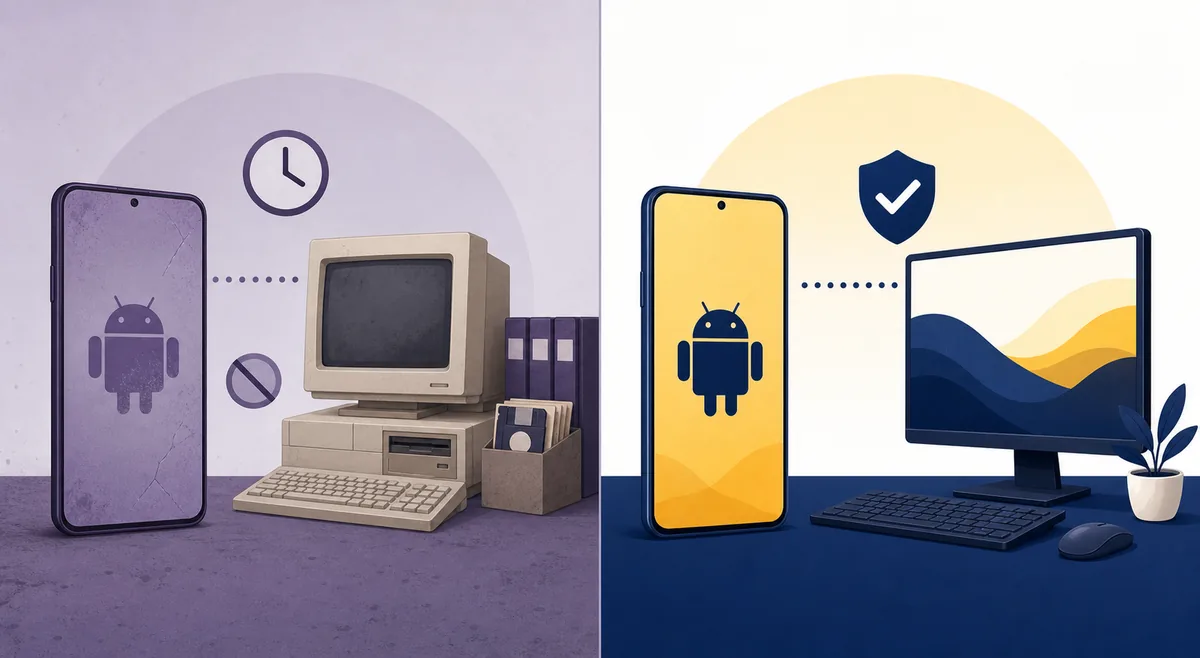
The official Vuze Remote information page is useful historical context, but it is not evidence that a new Vuze Android release is being published today. The official BiglyBT Android project documents the Vuze Remote line as having stopped development in early 2017. That makes an old listing or archived package a compatibility question, not a normal current-app installation.
Even if an old APK starts, the result can depend on Android version, permissions, network discovery, the desktop Vuze build and whether the remote service is enabled. A phone that installs the package is not proof that the remote connection is secure or that every control still works.
For the same reason, this page does not label a third-party APK as safe, official or latest. If a listing cannot be traced to a current first-party store or release record, treat it as a lead for research rather than a download button.
How to check a Vuze Android source without guessing
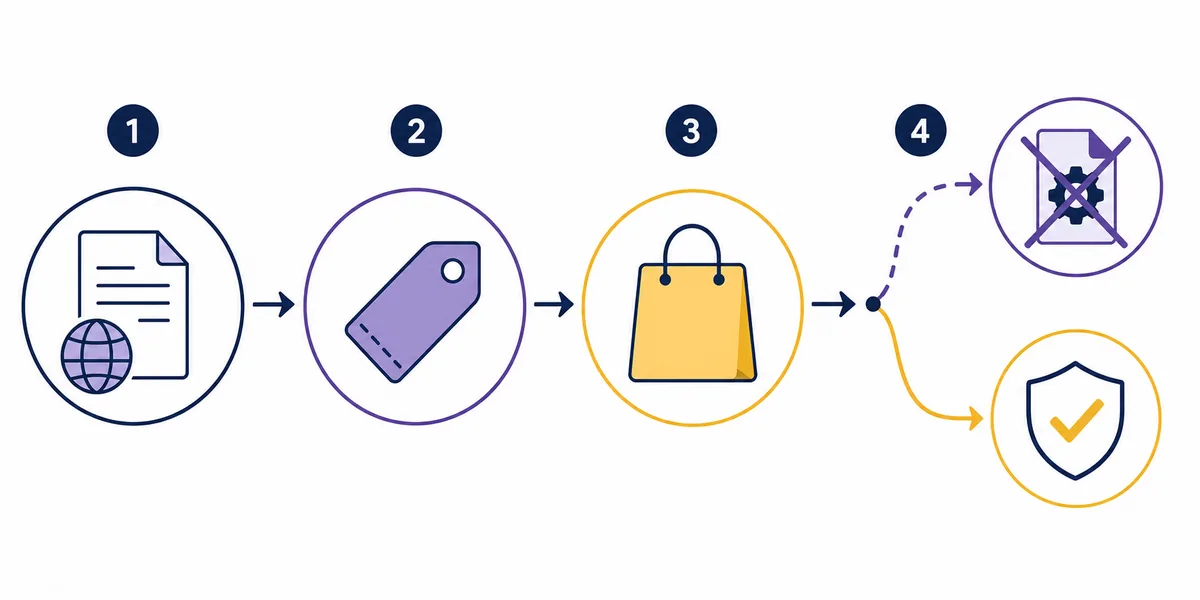
Use a short evidence chain instead of trusting a page title or a download counter.
Start with the official Vuze Remote information page and compare what it actually says with a dated release record. Then check whether the package is present in an official store or in the developer's release history. The goal is to establish identity, date and distribution path before installing anything.
For the maintained alternative, the official BiglyBT Android v1.3.3 release is a verifiable release-page fallback. The official Google Play listing is another store-level path. Neither link is presented as a stable direct APK file URL, because a stable file address and a verifiable file size were not confirmed for this review.
Keep Android protections enabled, inspect the package name and publisher, and stop if the source asks you to disable security controls or install an unrelated helper. If the task is simply to download authorized content on a desktop, use the existing Windows or Mac guide instead of forcing a mobile APK into the workflow.
- 1. Identify the roleDecide whether you need remote control of a desktop Vuze setup or a standalone Android torrent client.
- 2. Trace the publisherPrefer a first-party project page, official store listing or signed release record over an APK catalog.
- 3. Check the dateA page that still exists can describe a discontinued app; it does not automatically represent a current release.
- 4. Keep a fallbackIf the mobile source is unclear, use a maintained client or the official desktop path rather than a random mirror.
If you already have Vuze on a desktop
Existing users may be solving a remote-management problem rather than looking for a new Vuze Android client.
First record the desktop Vuze version, operating system, Java dependency and the network in which the remote connection was supposed to work. Vuze Classic is an old software line; the site's verified legacy context is Vuze 5.7.6.0 dated November 2, 2017, not a promise of current Android compatibility.
Next, separate local troubleshooting from mobile-app troubleshooting. If the desktop client cannot discover peers, open a magnet link or save files correctly, use the dedicated magnet-link guide, download-folder guide or speed guide. A remote app cannot repair a blocked port, missing metadata or a broken save path.
Finally, remove old remote credentials and unused network exposure when you no longer need the companion. Remote access should not be left enabled simply because an old phone app once used it.
- Do not treat an installed legacy APK as proof of ongoing support.
- Do not expose a desktop remote service to the public internet just to make an old app connect.
- Keep the desktop source and the Android source as separate verification decisions.
- Use the site's Vuze safety checks when a package or warning cannot be explained.
Is BiglyBT Android the practical alternative?
BiglyBT is the closest maintained project path for readers who want a Vuze-like BitTorrent ecosystem, but it is still a separate product and should be evaluated on its own official sources.
The official BiglyBT Android release history provides a clearer source trail than an anonymous Vuze APK mirror. The release checked for this page is v1.3.3 from September 22, 2023. That is a verified historical release record, not a claim that every modern phone or every feature remains supported without testing.
Use the official release page or official store listing as a page-level fallback. If you need a direct file, verify the exact asset, MIME type, checksum and size from the first-party release before using it. This review did not verify a stable direct APK URL or a durable official file-size record, so the page intentionally links to the release/store pages instead.
The decision is therefore practical rather than brand-driven: keep Vuze only when you have a documented legacy dependency; choose a maintained client when you are starting fresh; and never download an APK merely because it contains the word Vuze.
| Path | What it can answer | What it cannot prove |
|---|---|---|
| Old Vuze Remote | Whether a legacy desktop companion may still be useful | Current support, modern compatibility or safe distribution |
| Official BiglyBT Android release/store | A maintained-project source trail and a documented release page | Universal compatibility or a permanent direct APK URL |
| Unknown APK mirror | Only that someone uploaded a package | Publisher identity, integrity, current support or safety |
Who should use which path?
The best answer depends on the job, the source evidence and whether you are preserving an old setup or starting a new one.
Choose the existing desktop guides when you need a documented Windows or Mac installation path. Choose the Vuze alternatives comparison when you are selecting a maintained client for a new setup. Choose this Android guide when the real question is whether a phone app or old remote companion can be verified before you install it.
Do not use an APK mirror as a shortcut around missing evidence. A discontinued app can have a working-looking page for years, while a new Android security policy, certificate change or desktop-side dependency can make the package unusable or unsafe. If the source cannot explain who publishes the file and when it was released, the correct action is to stop and choose a documented alternative.
Only download or share material you are authorized to access. The software source decision and the legality of the torrent content are separate questions; a verified app does not make unauthorized content lawful.
Open the documented BiglyBT Android release path
Use the official release page as a source-level fallback. Review the exact release and platform details before installing; this site does not host or mirror the APK.
Vuze for Android FAQ
Short answers for readers checking an old Vuze mobile reference or an unfamiliar APK listing.
Is there an official Vuze Android torrent app?
No current Vuze Android torrent-client release or stable official APK was verified for this review. Search results may refer to the older Vuze Remote companion, which was designed to interact with desktop Vuze rather than replace it as a maintained Android client.
Is Vuze Remote still maintained?
The official BiglyBT Android project describes the Vuze Remote line as having stopped development in early 2017. An old information page or archived package can remain online, but that is not evidence of current support.
Can I download a Vuze APK from a mirror?
A mirror may host a file, but hosting does not prove publisher identity, integrity, compatibility or safety. This page does not link to unknown APK mirrors and does not call an unverified package official or safe.
What is the BiglyBT Android version checked here?
The official release record checked for this page is BiglyBT Android v1.3.3, published September 22, 2023. It is a documented source path, not a promise that every current device supports every feature.
Is BiglyBT Android the same app as Vuze?
No. BiglyBT is a separate maintained project in the same broader software lineage. Treat its release notes, package identity, permissions and compatibility as its own facts rather than assuming that Vuze behavior carries over unchanged.
Does this page provide an APK download?
No. It links to official release or store pages when a source can be checked, because a stable direct APK URL and a durable official file-size record were not verified. The page is a source and compatibility guide, not an APK host.